> ## Documentation Index
> Fetch the complete documentation index at: https://saba.mintlify.site/llms.txt
> Use this file to discover all available pages before exploring further.
# Installation
To install and use this extension, you need to join the *Saba* Raycast organization.
You can get access [here](/welcome/get-access).
### 1. Install the extension
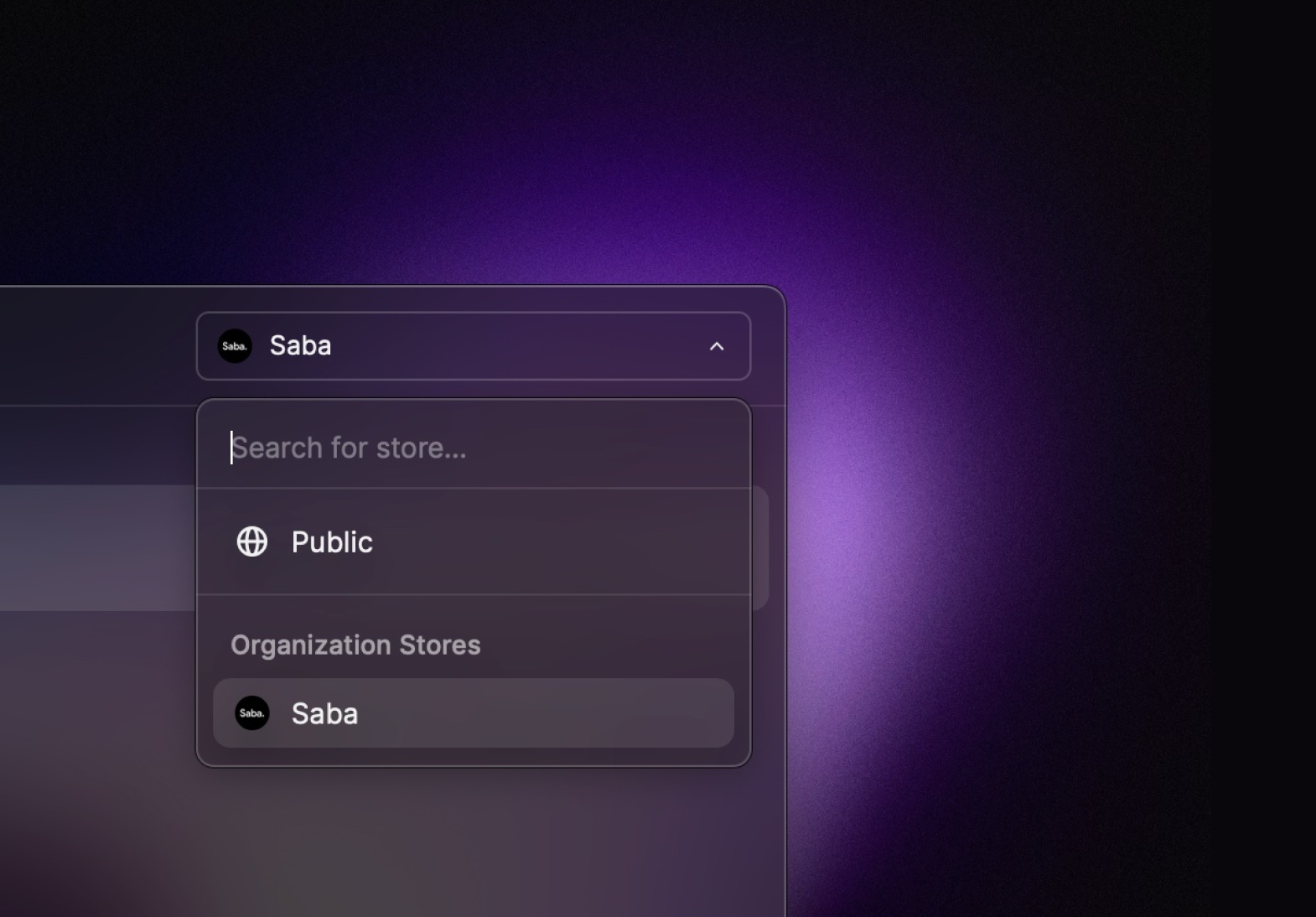 Once you've joined the Saba Raycast organization, you'll see a new dropdown menu option in
the top-right corner. Switch to the Saba organization and install the extension.
### 2. Install a compatible media player
Follow this guide on installing and configuring compatible media players:
Supported video players and their recommended settings.
### 3. Enter your access key
Once you've joined the Saba Raycast organization, you'll see a new dropdown menu option in
the top-right corner. Switch to the Saba organization and install the extension.
### 2. Install a compatible media player
Follow this guide on installing and configuring compatible media players:
Supported video players and their recommended settings.
### 3. Enter your access key
 Enter your **access key** and select a compatible media player.
That's it. You're ready to stream! 🎉